

How it works
Find your school or sports venue
- Search by school or sports venue name
- Pick your place from the results
Join your community
- Enter phone, email, and zip code
- Confirm you're a parent or guardian
Use the WeMile app
- Download from App Store or Google Play
- Connect with parents at your school or sports venue
How WeMile works (quick demo)
School carpool FAQ
What is a school carpool?
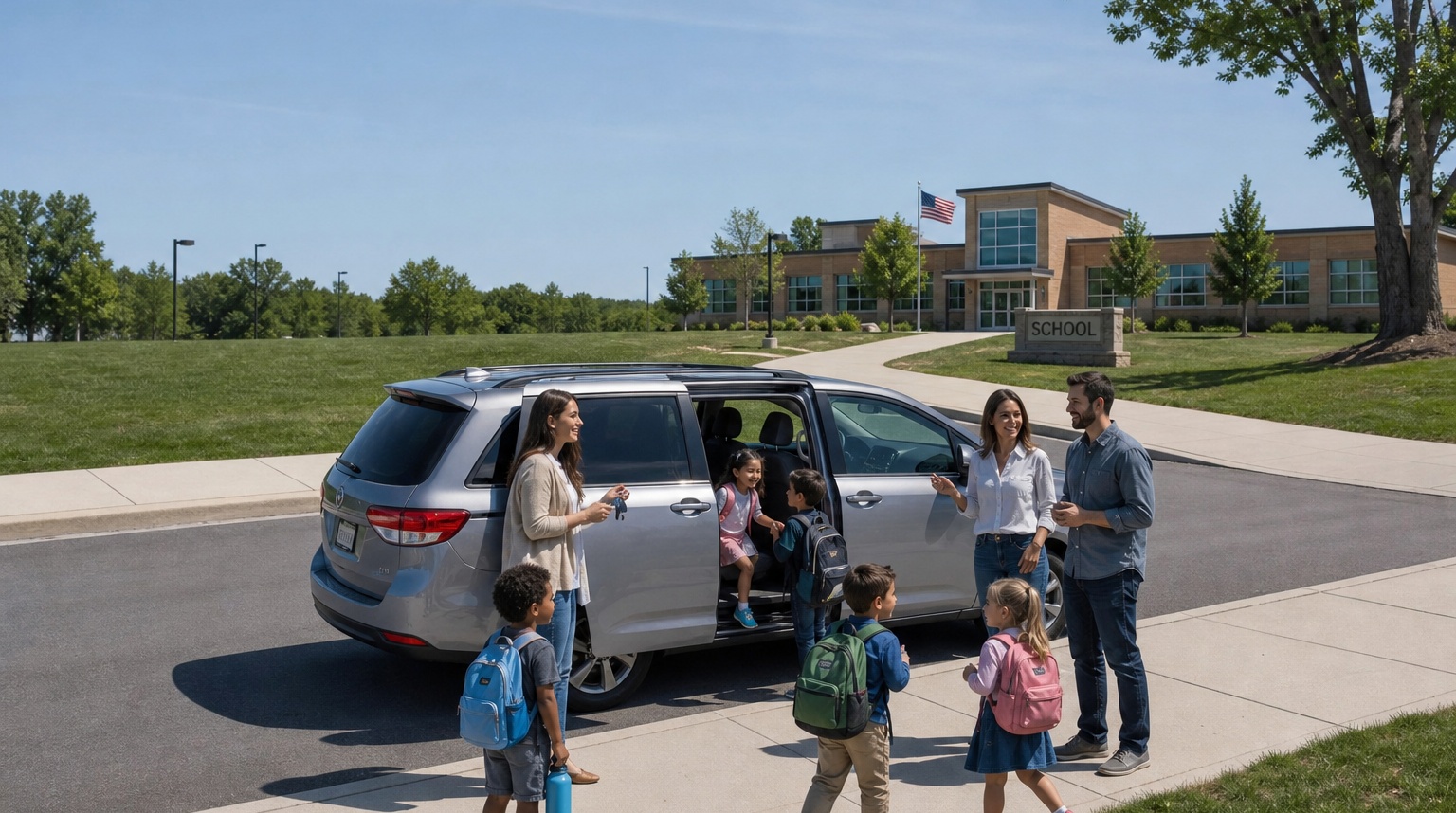
A school carpool is when parents take turns driving children to and from the same school—saving time, easing pickup lines, and building a trusted network of families.
How do I find a carpool for my school?
Search for your child's school on this page, register on your school's page with your phone and email, then download the WeMile app to connect with other families at that school.
Can I find carpool partners for sports venues?
Yes. On this page, choose the Sports tab, search for your child's practice or game venue, register there, then use the WeMile app to connect with other families at that venue—the same trusted Find flow as schools.
How does WeMile K12 work?
Search for your child's school or sports venue, register as a parent or guardian, then use the WeMile app to connect with other families and coordinate shared rides.
Is WeMile K12 free?
Almost everything in WeMile K12 is free—including creating carpools, schedules, reminders, trips, chat, and accepting connection requests. A $2.99/year support contribution helps sustain operations and is required only when you initiate a connection with other parents at your school or sports venue.
Is school carpooling safe?
WeMile K12 is built for trusted parent circles at the same school or sports venue—not open rideshare with strangers. You choose who to connect with, and families coordinate only with people they know or agree to ride with.
How do I start a carpool at my school?
Find your school above, register as a parent, invite other parents from your school community, and use WeMile to plan who drives which days so sharing stays fair. For practices and games, use the Sports tab to find your venue the same way.